Xero Review (2026): Features, Pricing, Pros & Cons
In an era where small businesses demand real‑time financial clarity, cloud accounting software has become essential. Xero is among the leading platforms in this space, offering a robust cloud‑based accounting ecosystem that scales from freelancers to growing companies. This 2026 review dives deep into Xero’s features, pricing tiers, usability, pros and cons, and how it compares with other solutions — giving you a complete picture to decide if it’s the right choice for your business.
What Is Xero?
Xero is a cloud accounting platform designed to simplify financial management and automate core business processes. From invoicing and bank reconciliation to reporting and integrations, Xero positions itself as an all‑inclusive solution for managing business finances online. Because it is cloud‑based, users can access their data from anywhere with an internet connection — a big advantage over traditional desktop accounting systems.
Unlike legacy software that depends on local installation or a single workstation, Xero’s cloud infrastructure means updates, backups, and security enhancements are automatic, and users always work on the most current version of the software.
Why Xero Is a Top Accounting Choice
Before we break down specific features and pricing, it’s worth understanding what sets Xero apart and why it’s recommended by many advisors and CFOs:
- Unlimited users on all plans — unlike many competitors that charge per user, Xero allows multiple team members access at no additional cost.
- Extensive integrations — Xero connects with over 1,000 third‑party apps, including CRM systems, payment processors, payroll services, and e‑commerce platforms.
- Real‑time collaboration with accountants — clients and accountants can jointly view books, enhancing advisory capabilities.
These attributes make Xero especially appealing for teams, accounting firms, and businesses planning to scale over time.
Xero Key Features — What You Get (Detailed Breakdown)
Xero’s feature set spans essential accounting needs and advanced capabilities that support expanding operations.
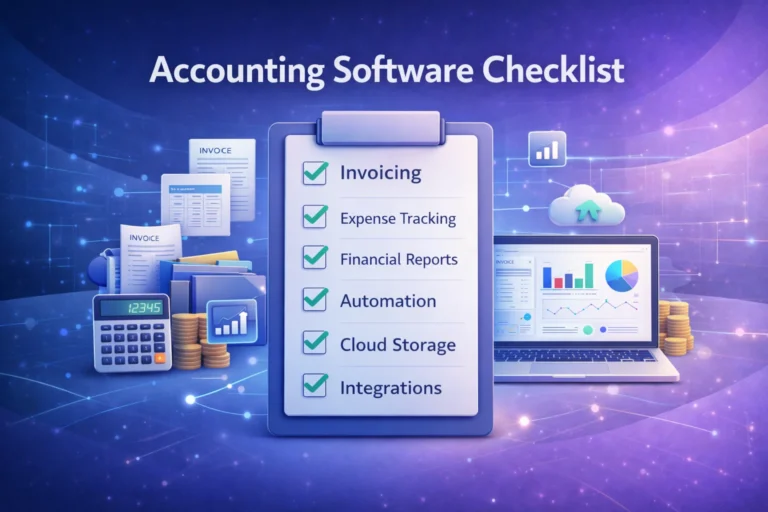
1. Invoicing & Payments
Xero’s invoicing module includes customizable templates and automated reminders that help reduce late payments. Users can send quotes and convert them to invoices with a single click, and integrate payment gateways such as Stripe or PayPal to accept online payments.
Sub‑features
- Invoice scheduling and recurring billing
- Automatic email reminders
- Partial payment and late fee settings
2. Bank Feeds & Reconciliation
One of Xero’s strongest capabilities is its automated bank feeds. Linking your bank account means transactions import daily, allowing your accounting records to match your actual cash flow. Reconciliation tools help quickly pair bank entries with your books, saving hours of manual matching.
3. Expense & Receipt Management
Users can scan receipts via the Xero mobile app or use connected services like Hubdoc to auto‑capture receipts. Expenses are automatically categorized and reflected in financial statements.
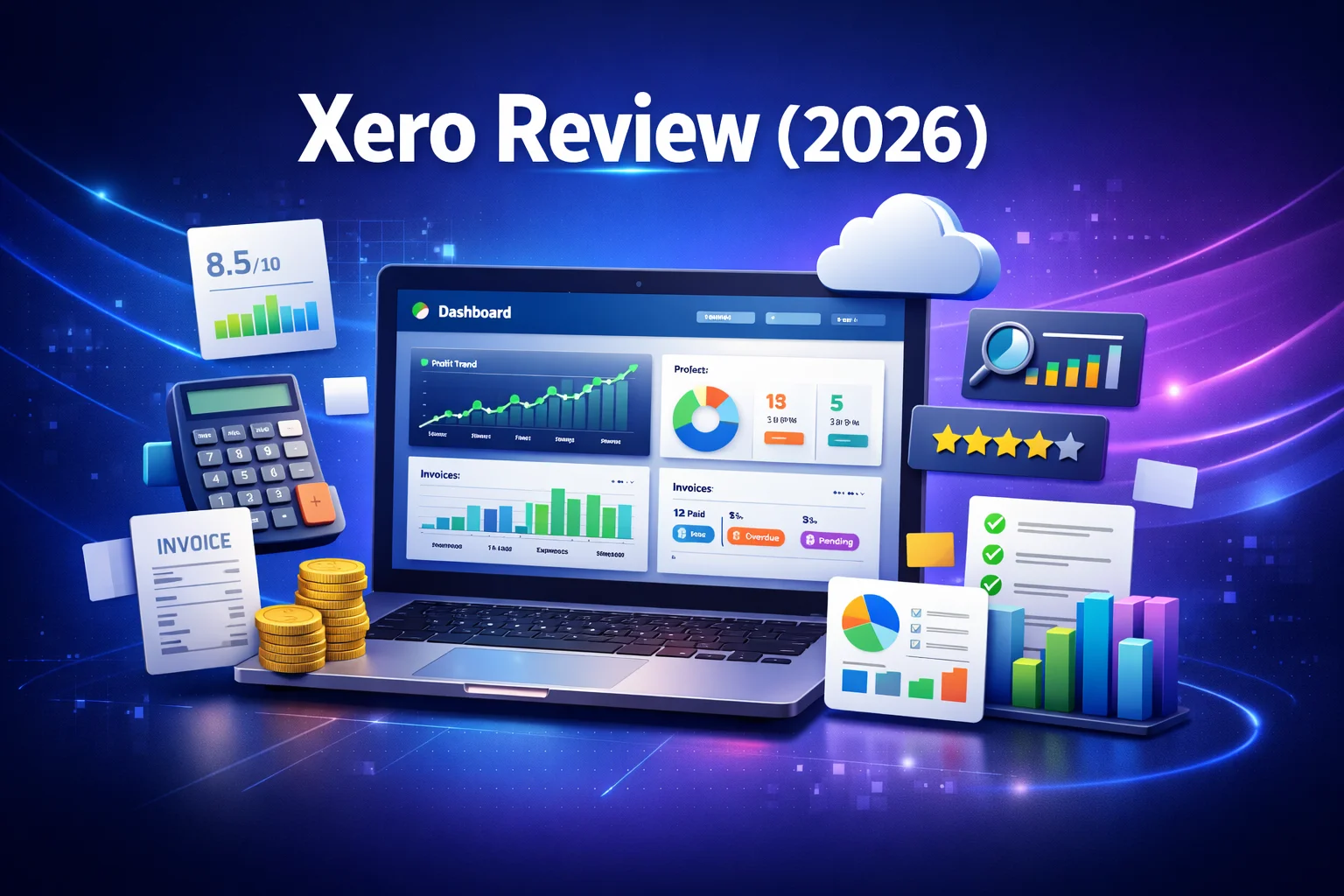
4. Reporting & Dashboards
Xero comes with a suite of financial reports including:
- Profit & Loss
- Balance Sheet
- Cash Flow Statement
- Aged Receivables/Payables
These reports are essential for understanding business health, preparing for tax filings, and meeting compliance. Many also offer customization options for deeper insight.
5. Multi‑Currency Support
For businesses that operate internationally, Xero’s multi‑currency feature supports transactions in over 160 currencies with automatic daily exchange‑rate updates — crucial for global sales and foreign invoices.
6. Integration Ecosystem
Xero’s integration marketplace includes:
- eCommerce platforms: Shopify, WooCommerce
- CRMs: HubSpot, Salesforce
- Payroll: Gusto or Square Payroll
- Inventory: DEAR Systems, Cin7
These integrations allow seamless workflows across platforms, reducing duplication and manual data entry.
7. Mobile App Access
Xero’s mobile app, available for iOS and Android, empowers business owners and accountants to process invoices, reconcile transactions, and review dashboards on the go.
Xero Pricing (2026) — Plans & Details
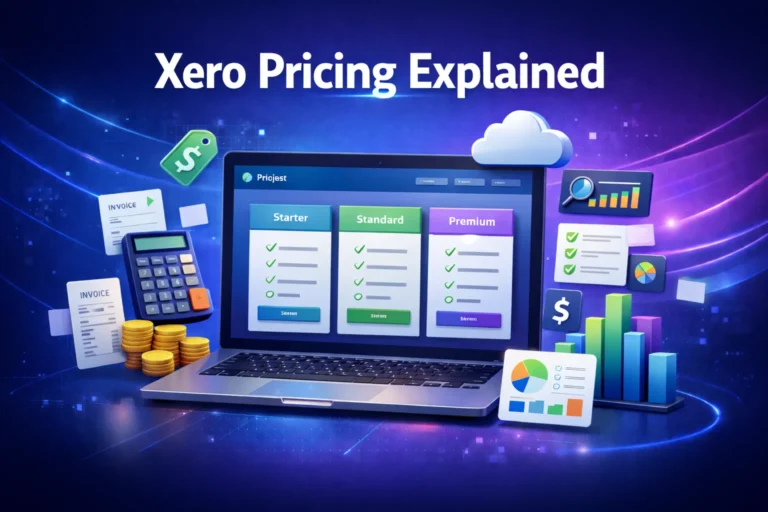
Xero uses a tiered subscription model tailored for diverse business sizes and needs. While pricing varies by region, the U.S. pricing structure as of 2026 typically includes:
| Plan | Starting Price (Monthly) | Best For | Key Features |
|---|---|---|---|
| Early | ~$25 | Freelancers & Micro‑businesses | Basic invoicing, limited bills/invoices, bank feeds |
| Growing | ~$55 | Small to Medium Businesses | Unlimited invoices/bills, bulk reconciliation |
| Established | ~$90 | Scaling & International Businesses | Multi‑currency, project tracking, advanced analytics |
👉 Xero commonly offers a 30‑day free trial, enabling businesses to evaluate the platform risk‑free before committing.
Note: Additional optional features (like advanced expense tracking, analytics add‑ons, or payroll features via partners) may come with additional fees.
Pros of Using Xero
Here’s a summary of the advantages that consistently appear in expert reviews and user feedback:
✔ Unlimited Users Included
Unlike many competitors that charge per user account, Xero lets multiple team members access the system at no extra cost, making it ideal for collaboration.
✔ Robust Integration Marketplace
With access to over 1,000 third‑party apps, Xero connects with payroll tools, CRM software, e‑commerce platforms, and more — offering unmatched flexibility.
✔ Automated Bank Feeds
Daily syncs with bank accounts streamline reconciliation and ensure your books stay up to date.
✔ Cloud‑Based Accessibility
Access Xero from any device with internet access, making it easy for remote teams to coordinate financial tasks.
✔ Strong Reporting & Financial Insights
Quick access to key reports improves business decision‑making and supports compliance and tax preparation.
✔ Multi‑Currency & Global Support
Businesses operating internationally benefit from built‑in multi‑currency features and automatic rate updates.
Cons & Limitations
While Xero is feature‑rich, no platform is perfect. Consider these potential drawbacks before choosing:
❌ No Phone Support
Official customer support does not include a direct phone line — help is mainly email‑based, which can delay urgent assistance.
❌ Limits on Entry‑Level Plans
The Early plan limits the number of bills and invoices you can process monthly, which may force many businesses to upgrade sooner than expected.
❌ Advanced Features Cost Extra
Some advanced functionality — like project tracking or analytics add‑ons — can require extra fees beyond base plans, pushing total costs higher.
❌ Learning Curve for New Users
While navigation is generally intuitive, some advanced features may take time to master, particularly for users without an accounting background.
❌ Region‑Specific Feature Availability
Payroll features and tax compliance tools vary by region, so businesses outside supported regions may need third-party solutions.
Xero vs Competitors — Quick Comparison
When evaluating accounting software, knowing how Xero measures up in key areas helps clarify whether it’s the right choice.
| Feature | Xero | QuickBooks Online | FreshBooks | Zoho Books |
|---|---|---|---|---|
| Cloud‑Based | ✔ | ✔ | ✔ | ✔ |
| Unlimited Users | ✔ | ❌ | ✔ | ❌ |
| Multi‑Currency Support | ✔ | ✔ | Limited | Limited |
| Extensive Integrations | ✔ | ✔ | Moderate | Moderate |
| Entry‑Level Limitations | Moderate | Moderate | Minimal | Low |
| Best For | Growing businesses & teams | Broad small business | Freelancers & services | Budget‑focused |
Xero stands out for unlimited users and integration breadth, while other platforms may offer simpler pricing or specialized industry focus.
Real‑World Feedback & User Sentiment
Customer reviews on third‑party software platforms show that many users appreciate Xero’s automation and cloud collaboration. According to Software Advice, Xero earns strong ratings for ease of use and functionality, though support and value for money score slightly lower.
Many business owners also note how automated bank feeds and integrations have dramatically reduced manual bookkeeping tasks, allowing teams to focus on growth rather than data entry. (Example community comments support this trend, too.)
Pro Tips — Getting the Most Out of Xero
Here are actionable tips from accountants and experienced users:
✅ Take advantage of the free trial before committing — test with real transactions to see how workflows fit your needs.
✅ Use integrations to extend functionality — connect your CRM, payment processors, and e‑commerce tools for seamless workflow automation.
✅ Invite your accountant early — real‑time collaboration can reduce tax preparation time and improve strategic planning.
Is Xero Worth It in 2026?
Overall, Xero remains one of the most capable cloud accounting solutions for small to medium‑sized businesses. Its combination of automation, integrations, and remote access makes it a compelling choice — particularly for teams and companies that expect to grow.
If your business needs unlimited users, strong bank connections, and extensive third‑party connectivity, Xero is worth serious consideration. On the other hand, if your priority is very simple accounting with minimal cost and complexity, alternatives like Zoho Books or FreshBooks may suit better.
Frequently Asked Questions (FAQs)
1. Does Xero offer a free trial?
Yes, Xero typically offers a 30‑day free trial so businesses can test features before subscribing.
2. Can I use Xero with my accountant?
Absolutely — Xero enables real‑time collaboration with multiple users and accountants at no additional cost.
3. Is Xero easy to learn for non‑accountants?
Most find Xero’s interface intuitive, though some advanced features have a learning curve.
4. Does Xero handle payroll?
Payroll features may vary by region; in some cases, third‑party integrations like Gusto are used.
5. What integration apps does Xero support?
Xero supports over 1,000 integrations including CRM, e‑commerce, payment processors, and more.
Final Verdict
Xero remains one of the best all‑round cloud accounting solutions in 2026. Its automation, unlimited users, real‑time collaboration, and extensive integration ecosystem make it a top contender for small and growing businesses.
It’s especially strong when teams need access across departments or locations, or when businesses plan to scale their financial operations over time.
While certain limitations exist — including support channels and some pricing considerations — Xero’s feature depth and cloud capabilities continue to position it as a leading choice for cloud accounting.
👉 If your business needs a scalable, integrated, and modern accounting solution, Xero deserves serious consideration.