Xero Pricing Explained: Which Plan is Best for You? (2026 Guide)
Choosing the right accounting software is a critical business decision. With multiple pricing tiers and feature sets, it’s important to understand not just what each plan costs, but what it delivers. This guide breaks down Xero pricing in 2026, compares plan features, and helps you choose the best option for your specific business needs.
We’ll cover:
- A transparent breakdown of Xero’s plans and costs
- Feature comparisons across plans
- What type of business each plan suits best
- Practical tips for choosing the right tier
- Frequently asked questions
By the end of this guide, you’ll know where to invest your budget and how to get the most value from Xero without paying for unnecessary features.
What Makes Xero Pricing Worth It?
Before we dive into the prices, it’s useful to understand why Xero’s pricing structure is designed the way it is and what you’re paying for.
Xero is a cloud‑based accounting platform that helps businesses:
- Automate bookkeeping
- Streamline invoicing and payments
- Reconcile bank transactions
- Generate reports such as profit & loss, balance sheets, and cash flow
- Collaborate with accountants in real time
Rather than charging per user, Xero allows unlimited users on all plans. That’s a major advantage for small businesses, accounting firms, and teams. You only pay for the capabilities you need, not the number of seats.
Xero Pricing Overview (2026)
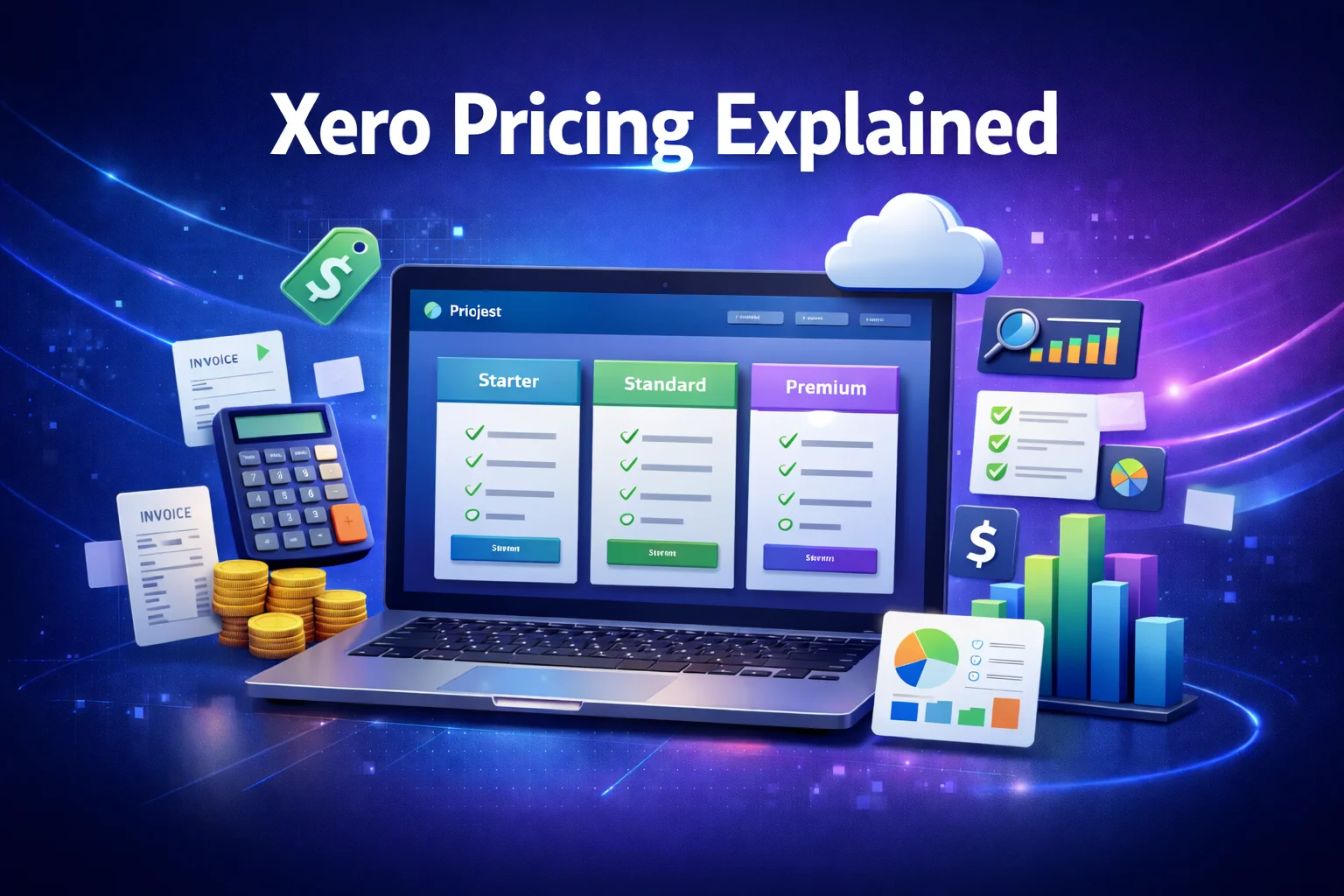
Xero currently offers three main subscription levels. Pricing may vary slightly by region, but the structure is consistent across most markets.
| Plan | Monthly Price (approx) | Best For | Key Features |
|---|---|---|---|
| Early | ~$25 | Freelancers & Solo Entrepreneurs | Basic invoicing, limited bills and reconciliation |
| Growing | ~$55 | Small & Growing Businesses | Unlimited invoices and bills, full reconciliation |
| Established | ~$90 | Established Businesses & Scaling | Advanced reporting, multi‑currency, projects |
Note: Prices above are approximate and rounded to the nearest U.S. dollar. Regional pricing may vary.
Deep Dive: What Each Xero Plan Includes
Below is an in‑depth explanation of what you get with each tier — and who should consider it.
1. Xero Early Plan — Best for Freelancers and Solo Owners
Monthly Cost: ~$25
Who It’s For:
This tier is ideal for self‑employed individuals, sole proprietors, and very small businesses that only need basic accounting functionality.
Key Features:
- Send a limited number of invoices and quotes
- Enter a limited number of bills
- Reconcile bank transactions
- Connect to bank feeds
Pros:
✔ Simple and affordable
✔ Cloud access from any device
✔ Bank sync and reconciliation included
Cons:
✘ Limits on invoices and bills may restrict usage for growing businesses
✘ Fewer reporting options compared to higher tiers
Best For:
Freelancers, consultants, and part‑time businesses that send only occasional invoices and don’t yet need robust reporting.
2. Xero Growing Plan — Best for Small to Medium Businesses
Monthly Cost: ~$55
Who It’s For:
The Growing plan is the most popular Xero subscription. It removes most usage limits and provides core accounting features that small businesses require.
Key Features:
- Unlimited invoices and quotes
- Unlimited bills
- Full reconciliation tools
- Inventory tracking
- Detailed financial reports
Pros:
✔ No limits on key accounting functions
✔ Strong automation and reconciliation features
✔ Ability to add integrations and third‑party apps
Cons:
✘ No multi‑currency support
✘ Some advanced reporting features reserved for Established plan
Best For:
Small businesses with regular income and expenses, inventory needs, or recurring transactions.
3. Xero Established Plan — Best for Growing or Global Business
Monthly Cost: ~$90
Who It’s For:
This is the most comprehensive plan, suitable for businesses that need advanced tools, enhanced reporting, and international capabilities.
Key Features:
- Everything in Growing plan
- Multi‑currency reporting
- Advanced analytics and reports
- Project tracking tools
- Forecasting capabilities
Pros:
✔ Best visibility into financial performance
✔ Ideal for global operations
✔ Project and job costing insights
Cons:
✘ Higher monthly cost
✘ Some small businesses may not need all features
Best For:
Growing companies with cross‑border transactions, project tracking needs, or businesses needing deep financial insight.
Bonus Add‑Ons and Optional Features
Xero also offers optional add‑ons that may incur extra costs:
Payroll Add‑On
If payroll support is required, Xero partners with external payroll services (or includes built‑in payroll in some regions). Pricing varies based on country and payroll complexity.
Third‑Party Integrations
Many businesses choose integrations such as payment processors, CRM systems, inventory software, or e‑commerce platforms. Some add‑ons may require separate subscription fees.
Feature Comparison: Plan by Plan
To make the differences clearer, here’s how the plans stack up side by side:
| Feature | Early | Growing | Established |
|---|---|---|---|
| Send Unlimited Invoices | ❌ | ✔ | ✔ |
| Enter Unlimited Bills | ❌ | ✔ | ✔ |
| Bank Reconciliation | ✔ | ✔ | ✔ |
| Multi‑Currency Support | ❌ | ❌ | ✔ |
| Project Tracking | ❌ | ❌ | ✔ |
| Cash Flow Forecasts | ❌ | ❌ | ✔ |
| Advanced Reporting | ❌ | Limited | Full |
| Unlimited Users | ✔ | ✔ | ✔ |
Who Should Choose Which Plan?
Early Plan
✔ Freelancers & consultants
✔ New businesses testing the waters
✔ Businesses with low transaction volume
💡 If you only need basic bookkeeping, invoice generation, and bank reconciliation with minimal reporting, this is the most cost‑effective plan.
Growing Plan
✔ Most small businesses
✔ Companies with frequent invoices and bills
✔ Businesses needing inventory tracking
💡 If your business processes dozens of invoices and bills every month and requires a full set of financial reports, this plan provides the sweet spot of features and value.
Established Plan
✔ Growing companies with complex needs
✔ Businesses operating in multiple currencies
✔ Project‑based companies
💡 If your business needs forecasting, project cost tracking, and support for global transactions, this is the most comprehensive plan. The additional insights are particularly valuable for decision‑makers.
Real‑World Examples
Scenario 1: Freelance Designer
A freelance graphic designer who sends a few invoices per month and doesn’t have inventory needs will be perfectly served by the Early plan. The low monthly cost and basic tools are sufficient for bookkeeping and reconciliation.
Scenario 2: Retail Shop
A small retail business with regular sales, inventory, and frequent supplier bills should opt for the Growing plan. Unlimited invoicing and reconciliation with standard reports will support daily operations.
Scenario 3: Consultancy Firm with Global Clients
A consultancy working with international clients, billing in multiple currencies, and tracking project profitability will benefit from the Established plan. Advanced reporting and multi‑currency support add strategic value.
Practical Tips for Choosing Your Xero Plan
Here are some expert tips to help you decide:
1. Always Start with a Trial
Xero offers a free trial. Use real transactions from your business to evaluate how workflows feel before committing.
2. Base Your Choice on Volume
If you send more than 20 invoices or receive frequent bills every month, the Early plan may limit you quickly.
3. Think Long‑Term
Your business may grow quickly — it’s often more efficient to choose a plan that accommodates future needs than frequently upgrading.
4. Consult With Your Accountant
Accountants who already use Xero can provide insight into which features benefit your business most.
FAQs – Xero Pricing Explained
1. Does Xero have a free version?
No. Xero offers a free trial but no permanent free tier. The subscription model ensures continuous updates, automatic backups, and support.
2. Can I upgrade or downgrade my Xero plan?
Yes. You can adjust your subscription as your business needs change, typically through your account settings.
3. Is support included in the price?
Basic support is included. Xero’s customer support is primarily email‑based, with online resources and community forums for tutorials and troubleshooting.
4. Can I collaborate with my accountant?
Absolutely. One of Xero’s advantages is that it allows unlimited users, including accountants, at no extra cost.
5. Does Xero price differ by country?
Yes. Xero may adjust pricing based on regional markets, exchange rates, and local tax laws.
Final Thoughts
Understanding Xero pricing is crucial if you’re evaluating accounting solutions for your business in 2026. The right plan not only saves money but also ensures you’re equipped with the tools to manage your finances effectively.
Summary Recommendations
- Early Plan: Best for solo practitioners and basic accounting needs
- Growing Plan: Ideal for active small businesses
- Established Plan: Designed for scaling companies with complex reporting needs
With unlimited users, strong automation, and industry‑leading cloud capabilities, Xero remains one of the most versatile accounting platforms available. By aligning your business needs with the right plan, you can unlock powerful financial tools that fuel smarter decision‑making and long‑term growth.