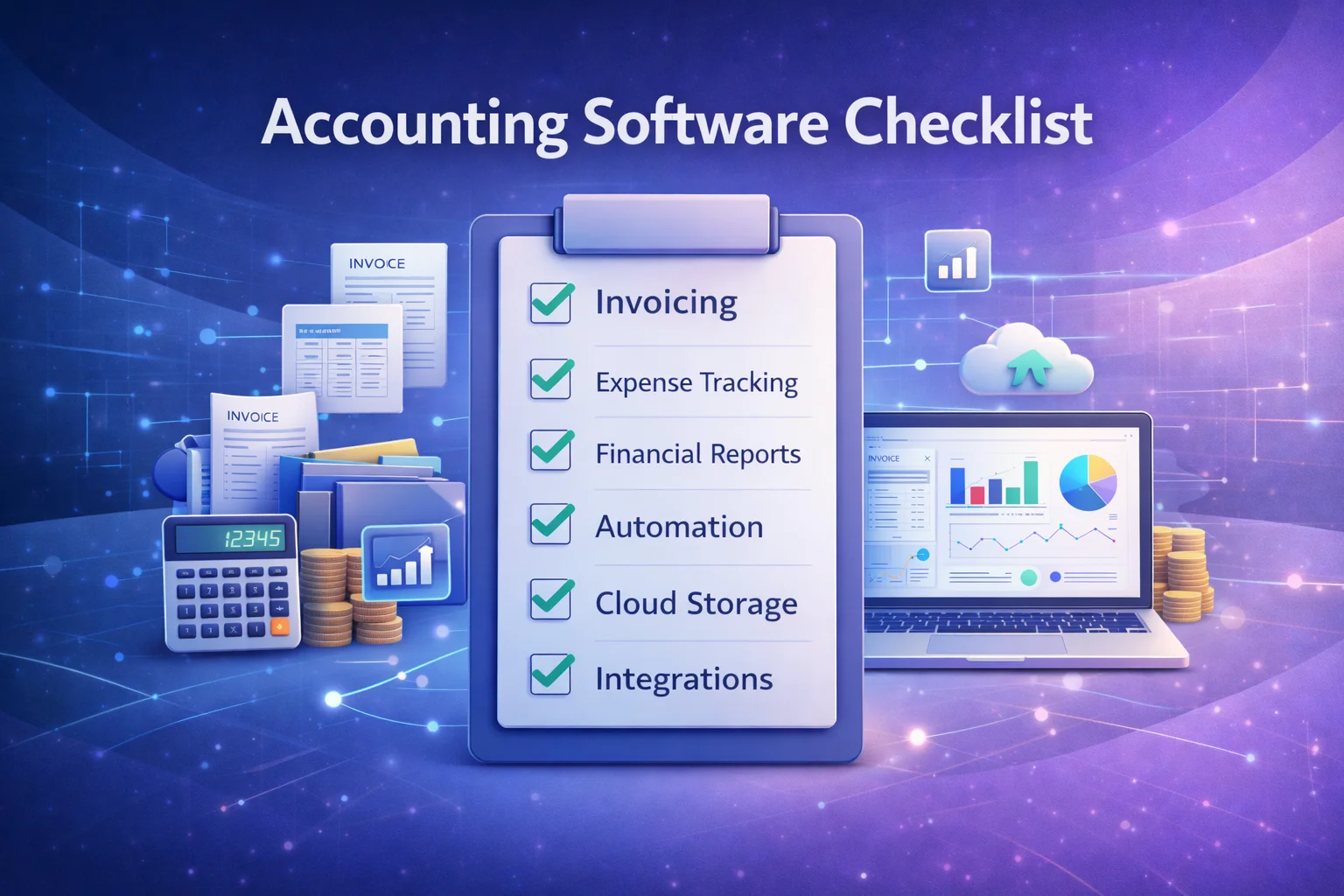
Accounting Software Checklist (Free PDF Download)
Choosing the right accounting software for your business isn’t just about picking a popular name. It’s about finding a solution that meets your unique needs, simplifies your financial workflows, and supports growth. Whether you’re a new entrepreneur, a seasoned small business owner, or a finance professional advising clients, a structured checklist can dramatically improve your decision‑making process.
To help you make the best choice, this guide not only explains all the essentials of choosing accounting software, but also includes a free downloadable PDF checklist you can use when evaluating different platforms.
Why You Need an Accounting Software Checklist
Accounting software can vary widely in features, pricing, and usability. A checklist helps you evaluate options methodically so you don’t overlook critical capabilities that affect day‑to‑day operations or long‑term financial success.
Instead of relying on marketing claims or anecdotal recommendations, a well‑designed checklist:
- Offers clarity on must‑have vs nice‑to‑have features
- Helps you compare multiple products side by side
- Reduces the risk of choosing an unsuitable solution
- Saves time during research and implementation
Download Your Free Accounting Software Checklist
Before we dive deeper, you can download the full checklist as a free PDF to use when evaluating or comparing accounting platforms:
👉 Download Now: Accounting Software Checklist (PDF)
Bookmark the PDF and refer to it whenever you’re evaluating software like Xero, QuickBooks, FreshBooks, Zoho Books, or others.
How to Use This Checklist
This checklist is structured into logical categories:
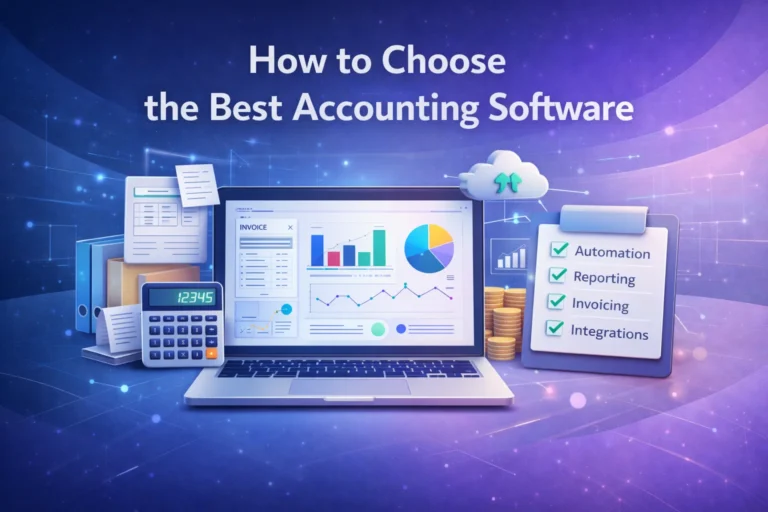
- Core Accounting Essentials
- Automation & Efficiency Tools
- Reporting & Financial Insight Tools
- Security & Compliance Features
- Integration and Workflow Compatibility
You can use this list when demoing software, talking to sales representatives, or testing trial versions.
1. Core Accounting Essentials
These are foundational features any quality accounting solution should include.
Invoicing & Billing
- Customizable invoice templates
- Automatic invoice delivery
- Recurring invoices
- Partial payment support
- Online payment acceptance
Why it matters: Professional invoicing reduces errors and accelerates cash flow.
Expense Tracking
- Receipt capture (photo upload or email import)
- Expense categorization
- Automated matching with bank transactions
Why it matters: Expenses are a major part of bookkeeping and must be accurate for reporting and taxes.
Bank Reconciliation
- Automatic bank feed syncing
- Rules for categorization
- Reconciliation reports
Reconciliation ensures that your accounting records match your actual bank activity — a critical step for accurate financial data.
2. Automation & Efficiency Tools
Automation reduces manual work and makes your financial processes smarter.
Automated Bank Feeds
Automatic import of transactions from connected bank accounts.
Recurring Creates & Reminders
Automated tasks such as recurring invoices and payment reminders help you avoid oversights.
Rules & AI Categorization
Some systems let you define rules for categorizing transactions, reducing repetitive manual work.
3. Reporting & Financial Insight Tools
Accurate reporting is essential for understanding financial performance.
Core Reports Checklist
| Report | Importance |
|---|---|
| Profit & Loss Statement | Shows business profitability |
| Balance Sheet | Snapshot of assets, liabilities, equity |
| Cash Flow Report | Tracks cash movement |
| Accounts Receivable Aging | Shows who owes money |
| Accounts Payable Aging | Helps manage supplier payments |
| Tax Summary | Simplifies tax filing |
Your accounting system should generate these reports easily and without manual data manipulation.
4. Security & Compliance Features
Financial data is sensitive. Any software you choose must protect it.
Security Checklist
✔ Data encryption (at rest and in transit)
✔ Automatic backups
✔ Multi‑factor authentication
✔ Role‑based permissions
✔ Secure data centers
Tip: Ask vendors about data redundancy and backup frequency during demos.
5. Integration & Workflow Compatibility
Your accounting software should work well with the rest of your business tools.
Integration Checklist
- Bank integrations
- Payment gateways (PayPal, Stripe)
- CRM platforms (HubSpot, Salesforce)
- Payroll systems
- Inventory management
- E‑commerce platforms (Shopify, WooCommerce)
A well‑integrated system reduces manual data entry and ensures financial records reflect business activity accurately.
Choosing Between Cloud and Desktop Systems
There are two broad categories of accounting software:
| Feature | Cloud Accounting | Desktop Accounting |
|---|---|---|
| Accessibility | Anywhere online | Limited to specific systems |
| Updates | Automatic | Manual updates |
| Backups | Cloud‑based | Manual backups |
| Collaboration | Multiple users | Local access only |
| Cost Structure | Subscription | One‑time/licensed |
Cloud accounting is the modern choice for most small businesses because it enables remote access, automatic updates, and real‑time collaboration with accountants.
Industry‑Specific Checklist Add‑Ons
Some industries require features beyond the basics.
For Service Businesses
- Time tracking
- Project profitability reports
- Billable hours tracking
For Retail & Ecommerce
- Inventory management
- Point of sale (POS) system integration
- SKU tracking and cost of goods sold
For Professional Services
- Trust accounting
- Client billing rules
- Document management
Adding these industry‑specific considerations ensures the software aligns with your operational model.
Pro Tips Before You Buy
Use these insights before signing up for any plan.
1. Use Free Trials
Most accounting platforms offer free trial periods (14–30 days). Use this time to test core workflows — create invoices, reconcile transactions, and generate reports.
2. Test Reporting Capabilities
Reports are where accounting delivers real value. Make sure the system offers customizable reports and exports to common formats such as PDF and Excel.
3. Check Support and Training
Look for vendors that offer robust customer support, video tutorials, and knowledge bases to help you get started.
Real-World Comparison: Top Accounting Software (2026)
To put the checklist in context, here’s a snapshot of how leading accounting platforms stack up:
| Software | Cloud? | Core Accounting | Automation | Reporting | Integrations |
|---|---|---|---|---|---|
| QuickBooks Online | ✔ | ★★★★★ | ★★★★☆ | ★★★★★ | ★★★★★ |
| Xero | ✔ | ★★★★★ | ★★★★★ | ★★★★☆ | ★★★★☆ |
| FreshBooks | ✔ | ★★★★☆ | ★★★★☆ | ★★★★☆ | ★★★☆☆ |
| Zoho Books | ✔ | ★★★★☆ | ★★★★★ | ★★★★☆ | ★★★★☆ |
| Wave | ✔ | ★★★☆☆ | ★★★☆☆ | ★★★☆☆ | ★★☆☆☆ |
This comparison provides a high‑level overview of how popular tools perform across key criteria. Use your checklist to assess which platform aligns best with your business priorities.
Conclusion
Choosing the right accounting software is a strategic decision that affects every aspect of your business — from cash flow management to tax compliance and financial planning. A structured evaluation with a comprehensive checklist ensures you select software that saves time, reduces errors, and provides financial insight that fuels growth.
Don’t leave this decision to chance. Download the free accounting software checklist PDF and start comparing options methodically.
👉 Get your Accounting Software Checklist (Free PDF)
Frequently Asked Questions (FAQs)
1. What should small businesses look for in accounting software?
Small businesses should prioritize features such as automated invoicing, bank reconciliation, reporting tools, and integrations with other business systems.
2. Is cloud accounting better than traditional desktop accounting?
For most small businesses, yes. Cloud accounting offers real‑time access, automatic updates, and easier collaboration with accountants.
3. Can free accounting software be enough for small businesses?
Free tools like Wave are suitable for very small or solo businesses, but growing companies often need advanced reporting and automation.
4. How often should accounting software be reviewed?
At least once a year — especially before tax season — to ensure your tools still meet your business needs.
5. Should I involve my accountant when choosing software?
Yes. Accountants can provide valuable insights into reporting requirements, compliance, and workflows.