What is Cloud Accounting? Benefits, Features & How It Works
Modern businesses are moving away from traditional accounting methods and adopting smarter digital solutions. One of the most important advancements in financial management is cloud accounting. It allows businesses to manage their finances online without relying on locally installed software or manual bookkeeping systems.
Cloud accounting is quickly becoming the standard for startups, freelancers, and small to medium-sized businesses because it provides flexibility, automation, and real-time financial visibility. In this guide, we will explain what cloud accounting is, how it works, its key features, and the major benefits it offers for modern businesses.
What is Cloud Accounting?
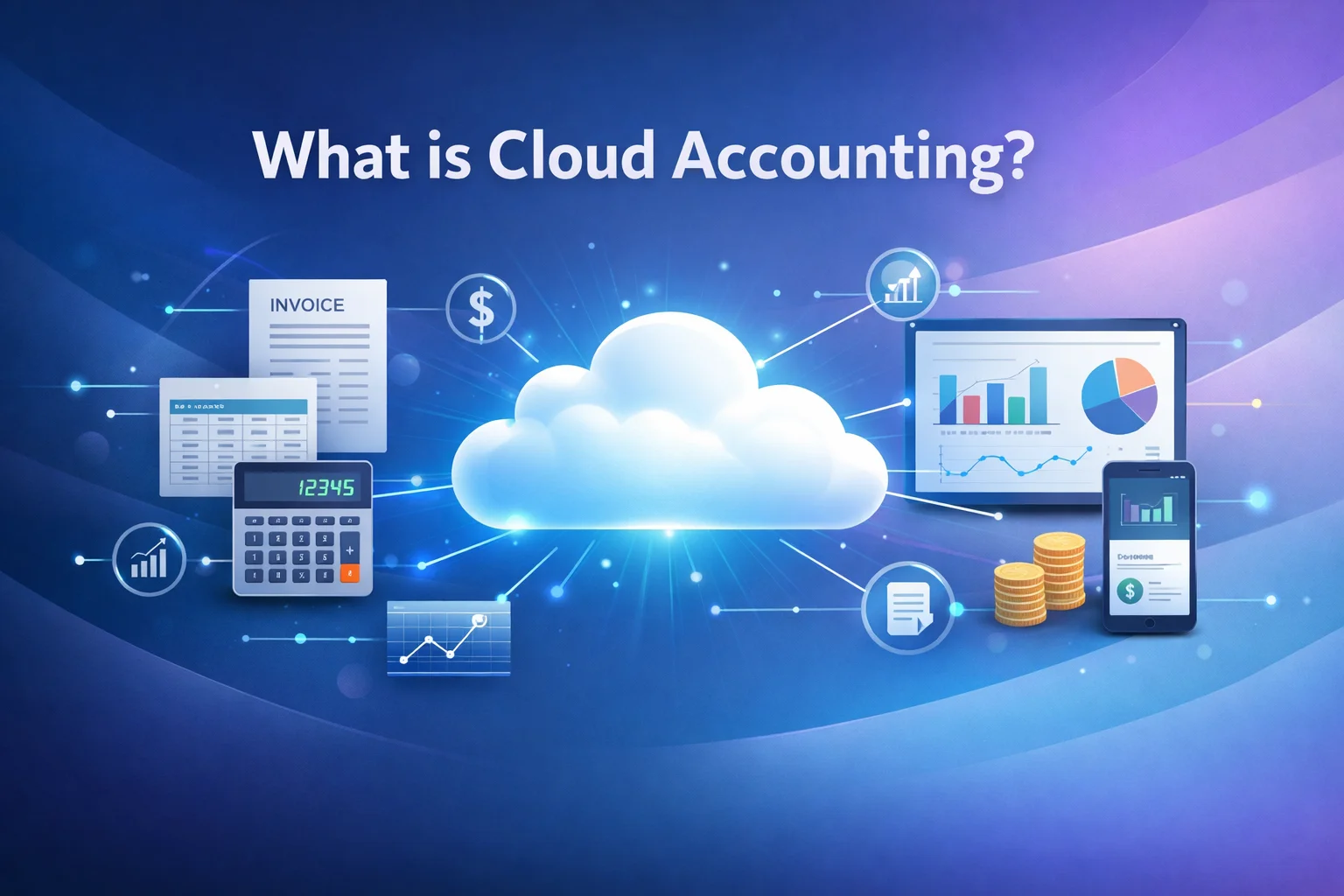
Cloud accounting refers to accounting software that operates on remote servers and is accessed through the internet instead of being installed on a local computer. Users simply log in through a web browser to manage their financial data, track expenses, create invoices, and generate reports.
Unlike traditional accounting systems where data is stored on a single device or company server, cloud accounting stores financial data securely in the cloud. This allows business owners, accountants, and team members to access financial information anytime and from anywhere.
Popular cloud accounting platforms such as Xero have helped transform how businesses manage their finances by offering automated processes, integrations with other tools, and real-time collaboration.
In simple terms, cloud accounting removes the limitations of desktop accounting software and replaces them with a flexible, internet-based solution.
How Cloud Accounting Works
Cloud accounting systems function through online servers maintained by software providers. Instead of installing software on a specific device, users access the platform through a secure login.
Here is a simplified explanation of how cloud accounting works:
| Step | Process |
|---|---|
| 1 | The business subscribes to a cloud accounting platform |
| 2 | Users log into the system using a web browser or mobile app |
| 3 | Financial data such as invoices, payments, and expenses are entered or automatically imported |
| 4 | The system processes the data and organizes it into reports |
| 5 | Users can access financial insights in real time from any device |
Most cloud accounting platforms also connect directly with banks and payment gateways. This allows transactions to automatically sync with the accounting system, significantly reducing manual data entry.
Key Features of Cloud Accounting
Cloud accounting software includes several features that simplify financial management for businesses. These tools help automate accounting tasks while providing accurate financial insights.
1. Online Invoicing
Businesses can create and send professional invoices directly through the platform. Many systems allow automatic payment reminders and online payment options, helping businesses get paid faster.
2. Expense Tracking
Cloud accounting platforms allow users to record expenses, upload receipts, and categorize transactions. This makes it easier to monitor spending and prepare accurate financial records.
3. Bank Reconciliation
One of the most powerful features is automatic bank reconciliation. The system imports bank transactions and matches them with accounting records, reducing errors and saving time.
4. Financial Reporting
Users can generate important financial reports such as:
- Profit and loss statements
- Balance sheets
- Cash flow reports
- Tax summaries
These reports help businesses understand their financial performance and make informed decisions.
5. Multi-User Access
Cloud accounting systems allow multiple users to access the platform simultaneously. Business owners, accountants, and team members can collaborate securely without sharing files manually.
6. Integration with Business Tools
Modern accounting platforms integrate with many other business applications, including:
- Payment gateways
- E-commerce platforms
- Payroll systems
- Inventory management tools
These integrations help automate workflows across different areas of a business.
Benefits of Cloud Accounting
Cloud accounting offers significant advantages compared to traditional accounting systems. Below are some of the most important benefits for businesses.
1. Access from Anywhere
Since cloud accounting systems operate online, users can access financial data from any location with an internet connection. This is especially helpful for remote teams, business owners who travel, and accountants managing multiple clients.
2. Real-Time Financial Insights
Traditional accounting systems often require manual updates and reports. Cloud accounting provides real-time data, allowing businesses to instantly see their financial position.
With accurate and updated information, business owners can make faster and better decisions.
3. Reduced Manual Work
Automation is one of the biggest advantages of cloud accounting. Many tasks that previously required manual effort can now be automated, including:
- Bank transaction imports
- Invoice generation
- Payment tracking
- Expense categorization
This reduces the risk of human error and saves valuable time.
4. Improved Collaboration
Cloud accounting makes it easy for business owners and accountants to work together. Instead of sending files back and forth, both parties can access the same financial data in real time.
This improves communication and ensures financial records remain accurate.
5. Data Security and Backup
Reputable cloud accounting providers invest heavily in security systems and data protection. Financial data is stored in secure data centers and backed up regularly.
This reduces the risk of data loss caused by hardware failure, theft, or accidental deletion.
6. Cost Efficiency
Traditional accounting software often requires large upfront purchases and IT maintenance. Cloud accounting typically works through a subscription model, making it more affordable for small businesses.
Businesses also save money on:
- Software updates
- IT infrastructure
- Data backups
- System maintenance
Cloud Accounting vs Traditional Accounting
To better understand the value of cloud accounting, it helps to compare it with traditional accounting software.
| Feature | Traditional Accounting | Cloud Accounting |
|---|---|---|
| Accessibility | Limited to one computer | Accessible from anywhere |
| Data Storage | Local device or company server | Secure cloud servers |
| Software Updates | Manual updates required | Automatic updates |
| Collaboration | Difficult file sharing | Real-time collaboration |
| Cost Structure | Large upfront costs | Subscription-based |
This comparison highlights why many businesses are transitioning to cloud-based financial management systems.
Who Should Use Cloud Accounting?
Cloud accounting is suitable for a wide range of businesses and professionals.
It is especially beneficial for:
- Small business owners
- Freelancers and consultants
- Startups
- Online businesses and e-commerce sellers
- Accounting firms managing multiple clients
Businesses that require real-time financial visibility and efficient collaboration will gain the most value from cloud accounting solutions.
Pro Tips for Choosing a Cloud Accounting Platform
If you are considering switching to cloud accounting, keep the following factors in mind when selecting a platform.
Choose Software That Matches Your Business Size
Some accounting platforms are designed specifically for small businesses, while others are built for larger organizations.
Look for Automation Features
Automation tools such as bank feeds, invoice reminders, and expense tracking can save significant time and reduce accounting errors.
Check Integration Options
Make sure the accounting software integrates with other tools your business already uses, such as payment processors or e-commerce platforms.
Evaluate Reporting Capabilities
A good accounting system should provide clear and customizable financial reports to help you monitor business performance.
The Future of Accounting is in the Cloud
Cloud accounting has fundamentally changed the way businesses manage financial operations. By offering automation, real-time insights, and remote accessibility, cloud-based accounting systems provide a modern solution to many challenges faced by traditional accounting methods.
As businesses continue to adopt digital tools, cloud accounting will likely become the standard approach for managing financial data. Companies that embrace these technologies gain better visibility into their finances and can make smarter decisions for growth.
For small businesses, startups, and entrepreneurs, cloud accounting is not just a convenience—it is a powerful tool that simplifies financial management and supports long-term success.
Frequently Asked Questions (FAQs)
1. What is the difference between cloud accounting and traditional accounting software?
The main difference is where the data and software are stored. Traditional accounting software is installed on a specific computer and stores data locally, while cloud accounting runs on secure online servers and can be accessed through the internet. Cloud accounting allows businesses to access financial information from any device and collaborate with accountants in real time.
2. Is cloud accounting safe for business financial data?
Yes, most cloud accounting platforms use advanced security measures such as encryption, secure data centers, and multi-factor authentication to protect financial information. In many cases, cloud systems provide stronger security and backup protection than locally stored accounting data.
3. Can small businesses benefit from cloud accounting?
Cloud accounting is particularly beneficial for small businesses. It helps automate tasks like invoicing, expense tracking, and bank reconciliation, which saves time and reduces manual errors. Small business owners also gain real-time insights into their finances without needing advanced accounting knowledge.
4. Do I need accounting knowledge to use cloud accounting software?
Most modern cloud accounting platforms are designed with user-friendly dashboards and automated features, making them accessible for non-accountants. While basic financial understanding is helpful, many tools include guided workflows, tutorials, and automated reports that simplify financial management.
5. Can cloud accounting integrate with other business tools?
Yes, cloud accounting software can integrate with many business applications such as payment gateways, e-commerce platforms, payroll systems, and inventory management tools. These integrations allow businesses to automate financial workflows and keep all financial data synchronized across different systems.